
Getting Started With Pester
 Robert Prüst
Today I wanted to take a step back and cover something I should have written about ages ago: getting started with Pester from the very beginning.
Today I wanted to take a step back and cover something I should have written about ages ago: getting started with Pester from the very beginning.
Microsoft finally added PowerShell support directly to Logic Apps, and it’s exactly what I’ve been waiting for.
Have you ever spent time looking for the best way to set up your new PowerShell module?
Setting up proper folder structures, best way to load your functions, writing Pester tests and build pipelines.
Trying to follow all best practices can take a long time before you actually write your first line of actual code…

I’ve got some great news to share…
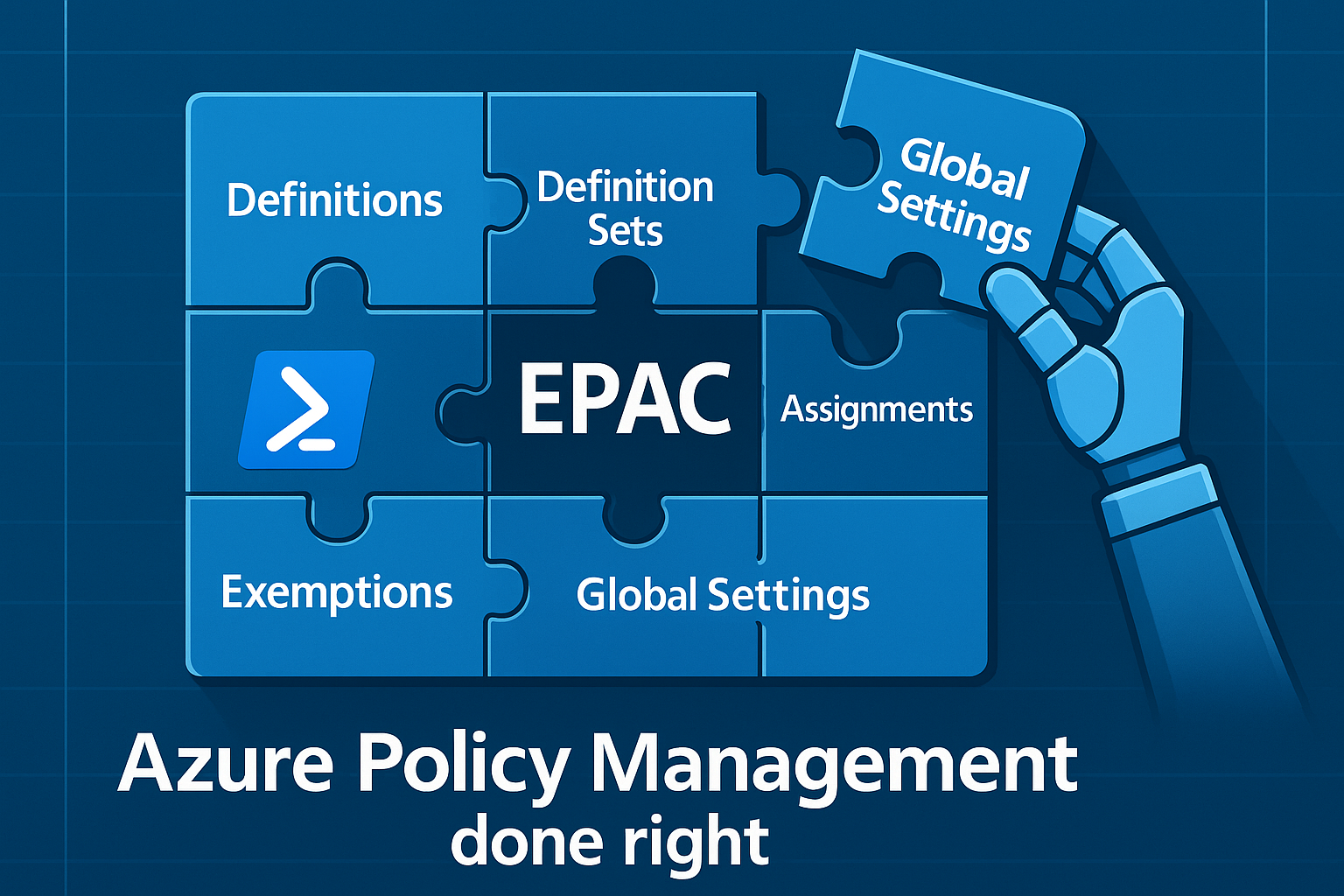
Managing Azure Policy at scale is one of those challenges that seems simple until you actually try to do it. Sure, you can click around the portal and manually create policies and assignments, but what happens when you have dozens of subscriptions, hundreds of policies, and multiple teams all trying to manage governance? You end up with a mess.
Enter the Enterprise Policy As Code (EPAC) framework - a PowerShell-based solution that promises to bring order to the chaos of Azure Policy management.
Function Apps might seem intimidating until you actually start to build one. Join me in creating something useful instead of another “Hello World” example.